PWA Instructions
Skip the app store. Get Kizzy on your home screen in seconds.
Don't want to use the PWA bookmark? Just go to https://app.kizzy.io/login.
How to Install the PWA on your Mobile Device
Open the internet browser on your phone. Make sure you're using the latest version of Chrome (Android) or Safari (iOS).
Android Instructions
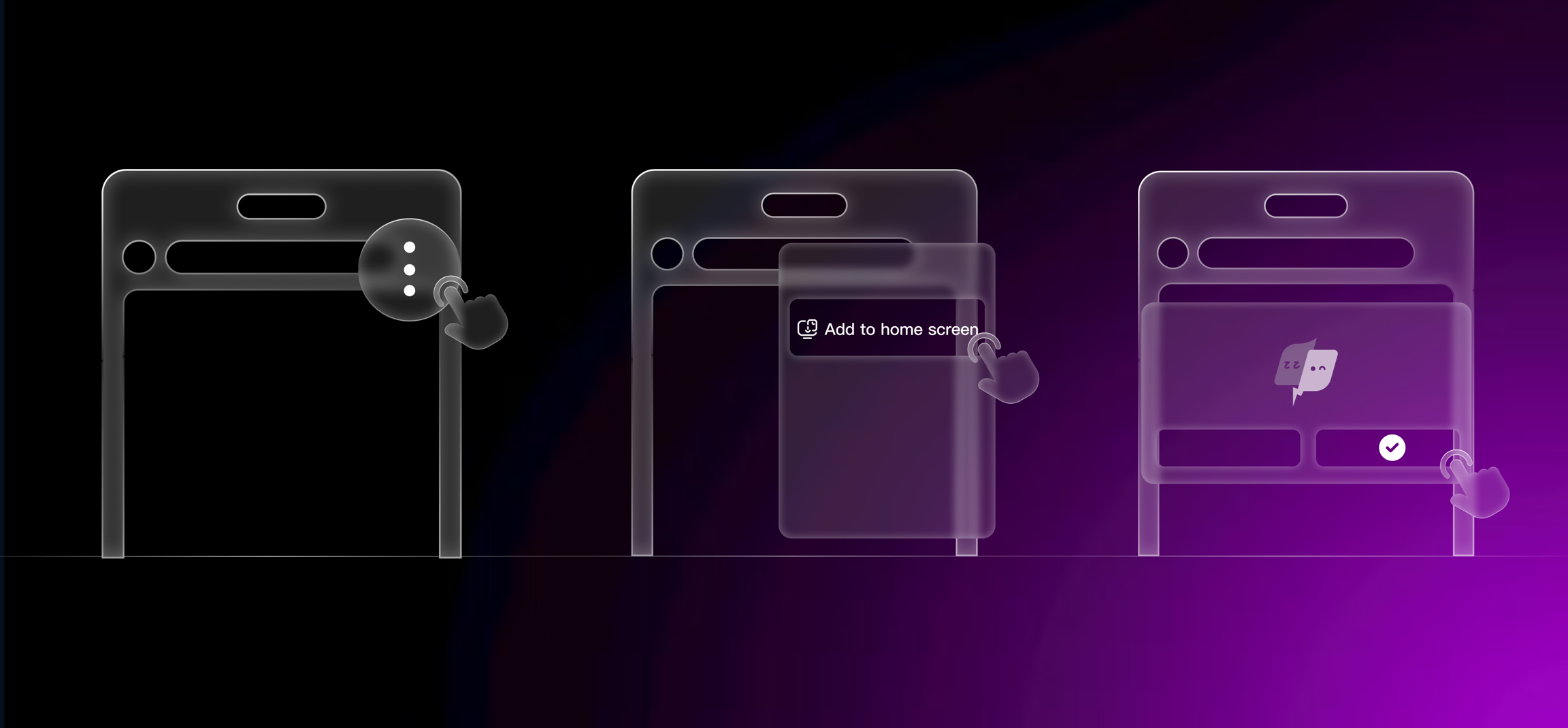
- Navigate to https://app.kizzy.io/login in Chrome.
- Tap the three-dot menu.
- Select "Add to Home Screen."
- Confirm by tapping "Add".
- Kizzy should now appear on your home screen, just like any app.
iOS Instructions
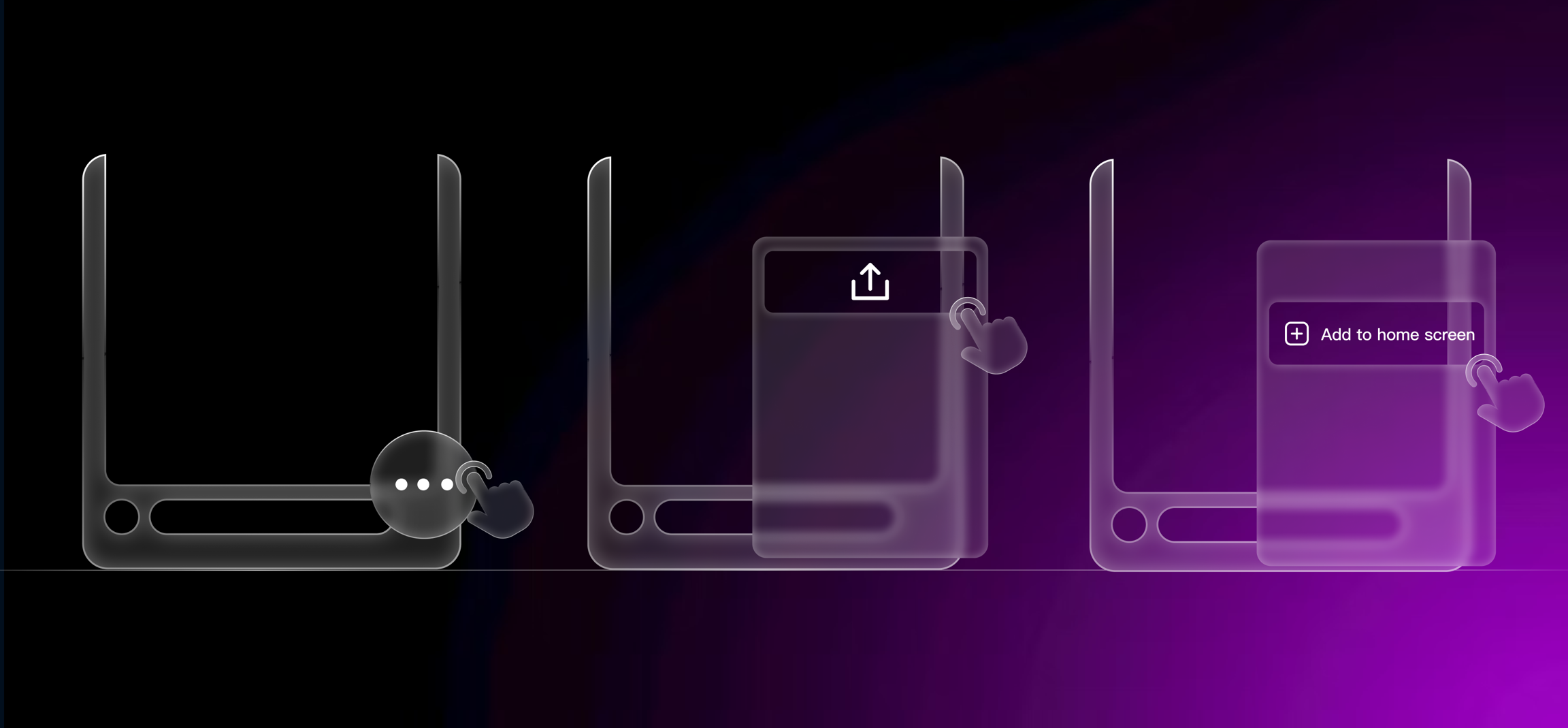
- Open https://app.kizzy.io/login in Safari or Chrome (use the latest version!).
- Tap the Share icon (box with an arrow).
- Scroll and tap “Add to Home Screen.”
- Tap “Add” again on the confirmation screen.
- Kizzy will now appear on your home screen as a standalone app.
Having trouble getting the PWA? We know how to help, open a ticket in our Discord and we're happy to help you walkthrough the download flow.